Install GlassFinder on any device
This page works for desktop, Android, and iPhone visitors. If the device is already installed or opened from the PWA, we hide the install prompt and show the launch state instead. If it is not installed yet, use the button below or scan the QR code.
You are already visiting from the installed app or from a standalone window. You do not need to install it again.
Open this page in Chrome or Edge. If the browser is installable, the app button in the browser menu or header will appear. Use it once, and the site opens like a normal app window.
Scan the QR code, open the page, and tap the browser install/share menu when prompted. On Android Chrome you can install directly; on iPhone, use the Share menu and then Add to Home Screen.
If you are visiting from the installed app, there is nothing more to do. We detect standalone mode and show the launch state instead of the install prompt.
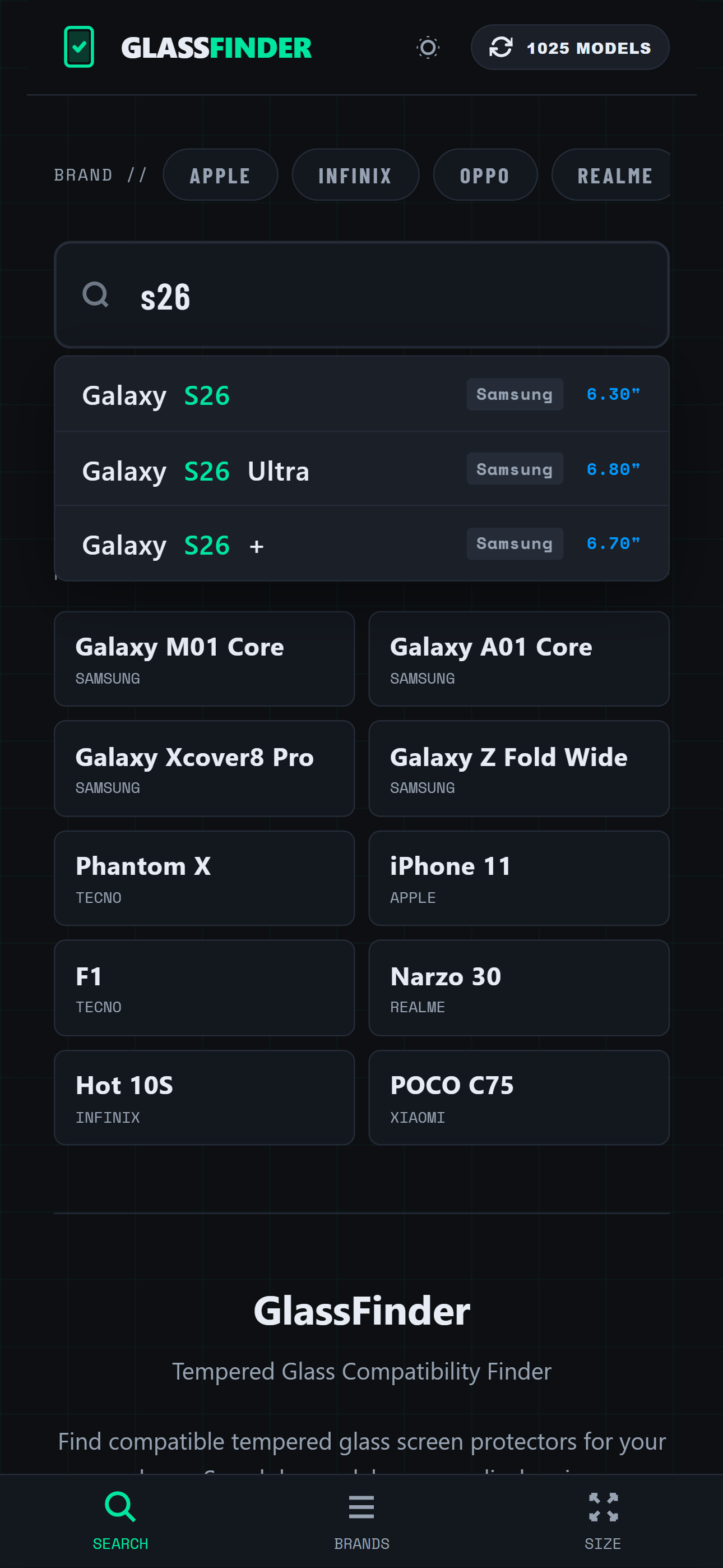
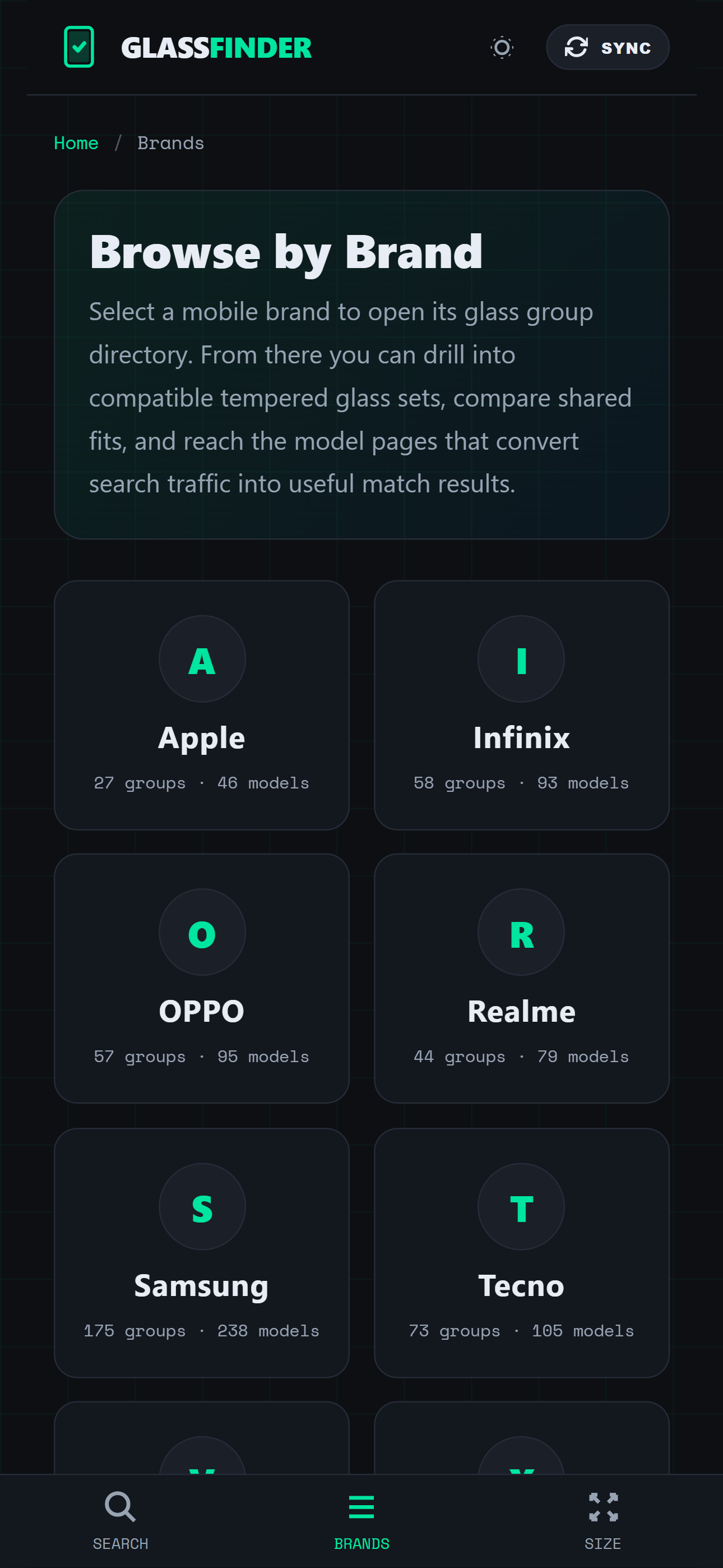
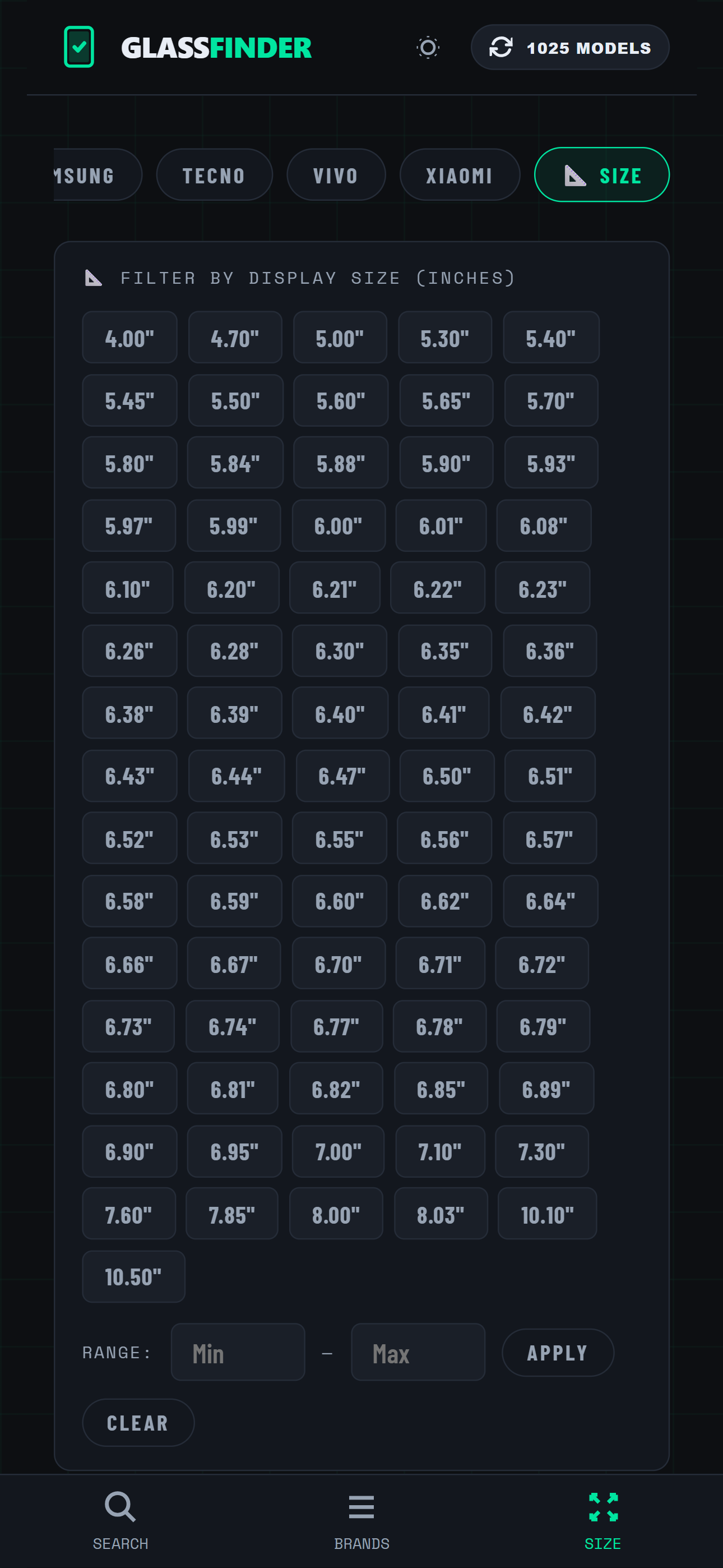
Open the app from the home screen or desktop shortcut instead of typing the URL every time.
The service worker caches the app shell and data, so repeated use is smoother even with a weak connection.
The QR code makes it easy to print, post, or send to staff and customers who need a quick install path.